I drove the growth of jobseekers converting to suitable training opportunities on Arbetsförmedlingen’s website by creating an MVP of customizable educational paths. Before this development, the experience of navigating further education of over 300 professions was misleading and time-consuming.

Challenge: The education paths were too generic and users found it difficult to find the courses that were specific to their needs.
Project: I conducted both user and expert interviews, developed prototypes and an MVP to test the new educational paths model.
Results: This MVP doubled the click-through rate with the majority of users reporting the service as helpful.
My Process


User Research
During the research phase of the UX project, I meticulously analyzed a spectrum of diverse career paths, aiming to understand the challenges adults face while aligning education with desired jobs. To ensure accuracy, my findings were then validated by a seasoned career guidance expert. Their input provided a crucial layer of expertise, refining our understanding of the intricate interplay between education and career choices. This comprehensive research process serves as the foundation for creating a user-centered solution that addresses the frustrations and uncertainties adults encounter in their pursuit of a fulfilling professional journey. The hypothesis I developed was that:
“We believe that by personalising education paths in our services for those who want to start a profession, we can increase the click through rate for applicable trainings.”
Research overview (screenshot of target groups clustering)

Ideation
In the ideation stage of our UX project, we harnessed the insights gathered during research to envision a groundbreaking service. I led the collaborative brainstorming sessions, we conceptualized innovative ways to personalize education paths for diverse professions. Our goal was to create a seamless user experience that empowers individuals to tailor their learning journey according to their chosen career and background. By fusing creativity with practicality, we formulated a range of concepts ready for evaluation and iteration, setting the stage for a user-centric solution that bridges the gap between education and professional aspirations.
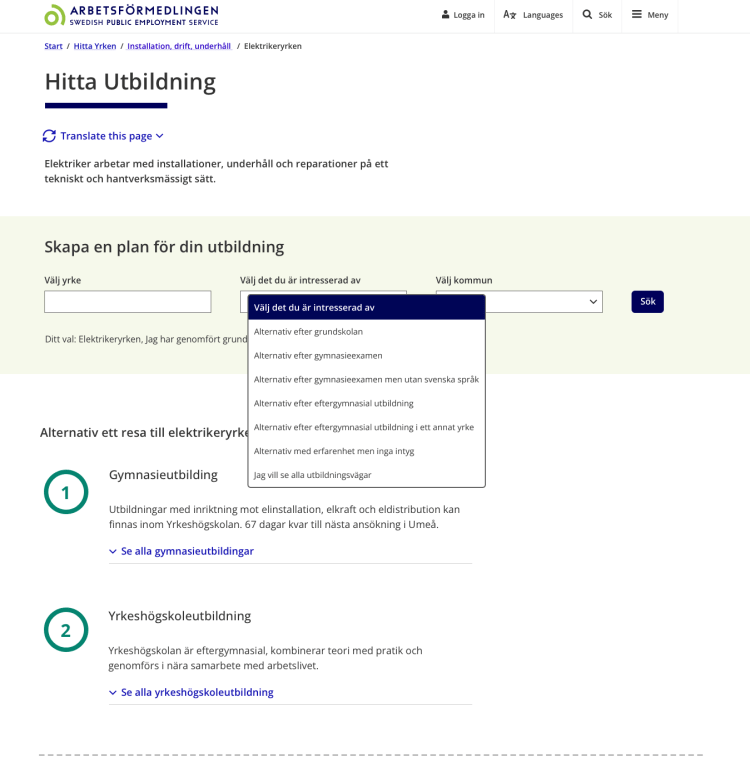
Concept development (screenshot of educational paths search tool)
Prototyping
In the prototyping stage, I translated our ideation into tangible user experiences. With a meticulous focus on user needs, I crafted interactive wireframes and mockups that vividly represented the personalized education service. Through these prototypes, I fine-tuned the interface, navigation, and functionality, ensuring a seamless journey for individuals aiming to tailor their educational paths to specific professions. Collaborating closely with the developers and wider team, I transformed concepts into intuitive, user-centric designs. This iterative process allowed me to test and refine the service’s usability before user testing, ultimately shaping it into a powerful tool that bridges the gap between education and diverse career aspirations.
Testing
During the testing stage of our UX project, we brought our personalized education path service to a local service office. Users from various backgrounds interacted with my prototypes, providing invaluable feedback. I observed their interactions, gauged their responses, and documented their suggestions. This hands-on approach allowed me to refine user flows, improve interface usability, and ensure the service’s effectiveness in addressing individual career needs. The real-world testing environment at the service office provided a holistic perspective, enabling me to fine-tune the service’s features for optimal user experience. This iterative testing process ensures that our final product aligns seamlessly with users’ educational and professional aspirations.
Testing dashboard (screenshot of notes taken during user interviews)

Solution
The MVP solution was launched on three professional pages available for users to test. Below the design elements which were built from the insights I derived during the project are highlighted.

- Users can personalise the four main user groups with just two user perspective selections
- We show education path which is open to all on the first page and the path which is more specific and requires more organisation resources is on the second page
- The process is clearly shown with each step clarified and the requirement level
- Options for users are clearly denoted so they can further personalise their education path
- Links are denoted with both colour and icons
- Feedback for the solution was built in to the MVP to further iterate the design
Discover more projects
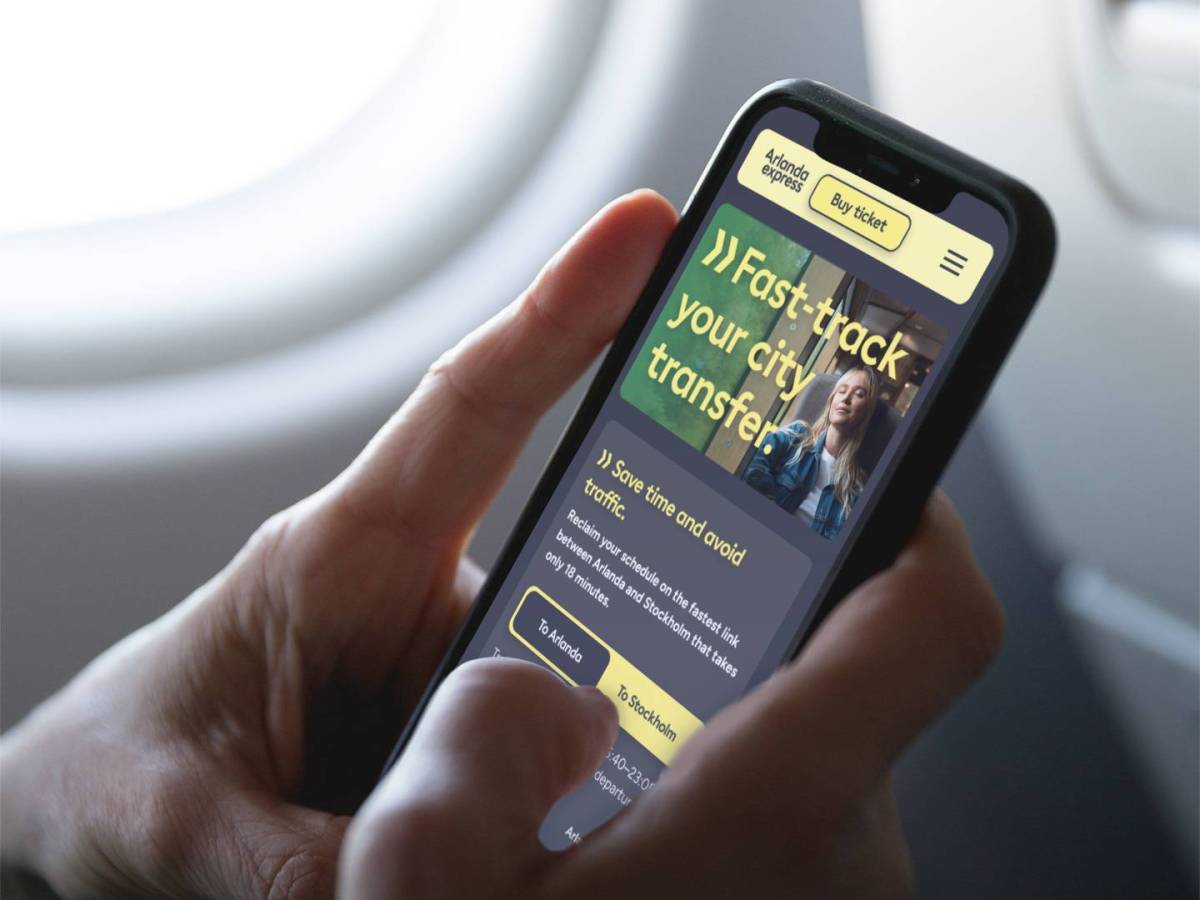
Capturing market share with data driven storytelling
I led the UX/UI design of key Arlanda express webpages to shift the conversation from price to value and convenience, thereby increasing conversion during key…

From filter frustration to concierge car buying
I led the concept development for an intuitive, personalized natural language car search tool that caters to the complexity of human nature and delivers highly…
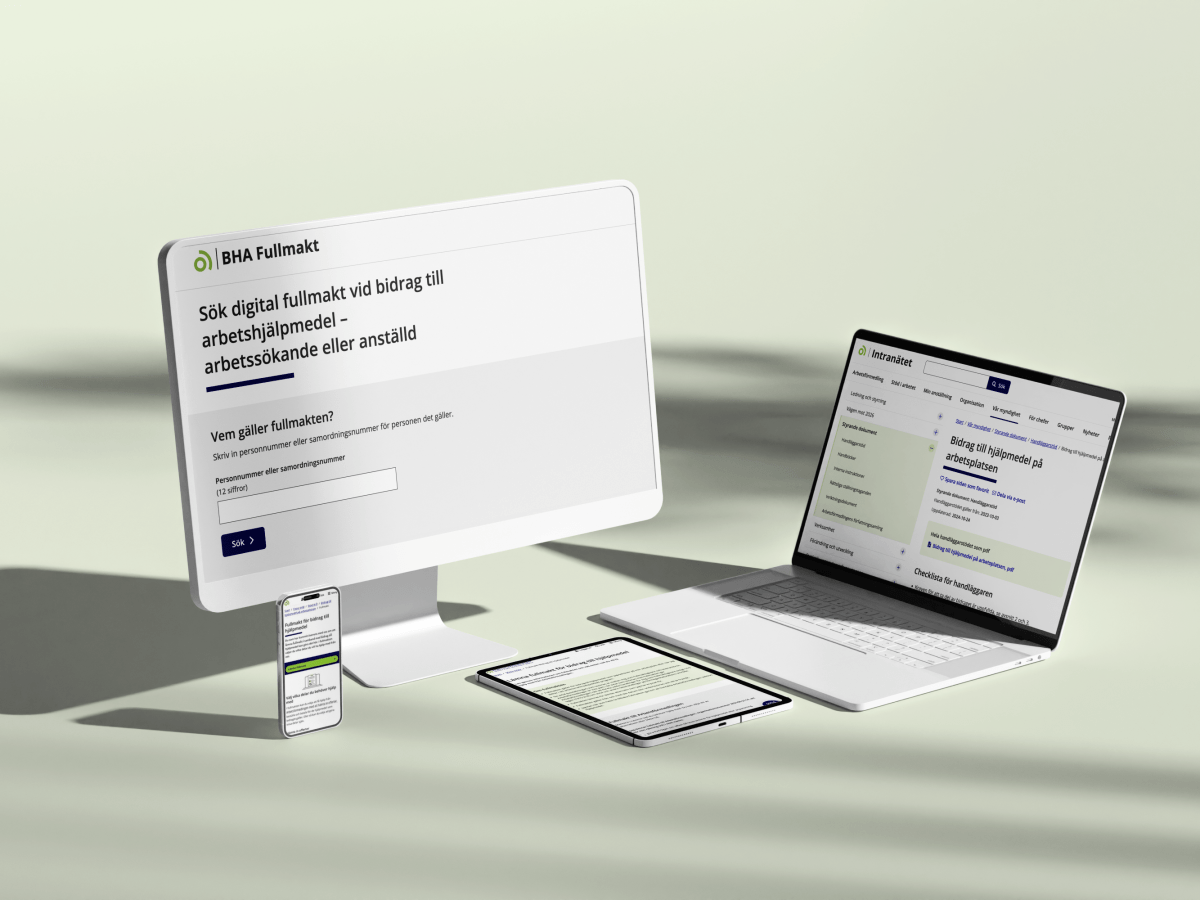
Increased productivity through accessible digitization
I reduced customers’ lead time for medical equipment delivery and reduced case worker administration with an intuitive web application. The existing process involved case workers…
 Fintan Collier