I reduced customers’ lead time for medical equipment delivery and reduced case worker administration with an intuitive web application. The existing process involved case workers posting paper power of attorney forms to customers and then waiting for them to sign and return them before scanning and filing these documents. The process was made even more challenging and frustrating as the end user of these forms had some form of disability including blind users.

Challenge: Customers and case workers had to manually complete power of attorney forms.
Project: I conducted team workshops, expert demos, and user tests for a digitalized form.
Results: This new service reduced case workers’ administration time and customer lead time to receive equipment.
My Process


User Research
During the research phase, I ran a Known/Unknown workshop that combined the collective knowledge of a cross-functional team which meant that we could quickly identify applicable existing data, and could then focus our research efforts on dial-shifting activities.
The hypothesis we developed was that:
“We believe that by digitalizing the power of attorney form for customers who need medical equipment, we can reduce the lead time and administration for supplying such equipment.”
Research overview (screenshot of known/unknown clustering of technical, customer, legal, and organizational requirements)

One of blind spots for the team which was identified in the previous workshop was the case workers’ requirements so I set up a workshop with a reference group of case workers to gather more data on which elements should be included to satisfy their needs. One key insight from this exercise was the need for an external webpage accessible for case workers when they were off-site. I then set-up a scenarios workshop so that we could develop user scenarios to bring our different users’ motivations, needs, and pain points to life.
Design Studio
Building on the insights from the previous workshops we now had the necessary data to start formulating a solution. We used a design studio to generate and iterate on design solutions. The studio consisted of taking each stage of the users’ process and individually sketching a solution and then sharing with the group before discussing which elements should be included/emitted/developed. This collaborative process allowed everyone to contribute their ideas and perspectives, leading to a more robust and user-centered product. It also secured buy-in from the working group so that we could effectively make progress with the project.
Concept development (screenshot ideation of different solutions)

Prototyping
In the prototyping stage, I translated our ideation into tangible user experiences. With a meticulous focus on user needs, I crafted interactive wireframes and mockups that vividly represented the personalized education service. Through these prototypes, I fine-tuned the interface, navigation, and functionality, ensuring a seamless journey for individuals aiming to submit their power of attorney forms. Collaborating closely with the developers and wider team, I transformed concepts into intuitive, user-centric designs. This iterative process allowed me to test and refine the service’s usability before user testing, ultimately shaping it into a powerful tool that bridges the gap between the authority’s systems and their customers.
Testing
Once we had developed the prototype we were then able to test our hypothesis with different stakeholders. The first group of stakeholders was the case worker reference group. Their feedback allowed us to add additional information on some of the most commonly asked questions from customers while using this service.
We also ran a cognitive review of the prototype with accessibility experts which helped us catch elements of the solution that could be improved for accessibility, reduce users’ cognitive load and, ultimately save resources by implementing this changes before the prototype was coded.
The prototype was also tested with users’ who had disabilities. The feedback from these tests supported some of the design decisions we had made but also highlighted weaker elements of the design (for example the process map) which needed to be further developed so that all users clearly understood which stage they found themselves in.
Testing dashboard (screenshot of notes taken during user interviews)

Solution
The final solution comprised of a case worker portal which made it possible for them to check existing power of attorney forms, and send a request from customers to complete the form digitally. The solution also included a external landing page for the product which could be reached without the need for connecting to an internal server, and also a digital power of attorney form which required users to log-in so that the information would be safely secured. Below the design elements for the landing page are highlighted from the insights we derived during the project’s research and testing phases.
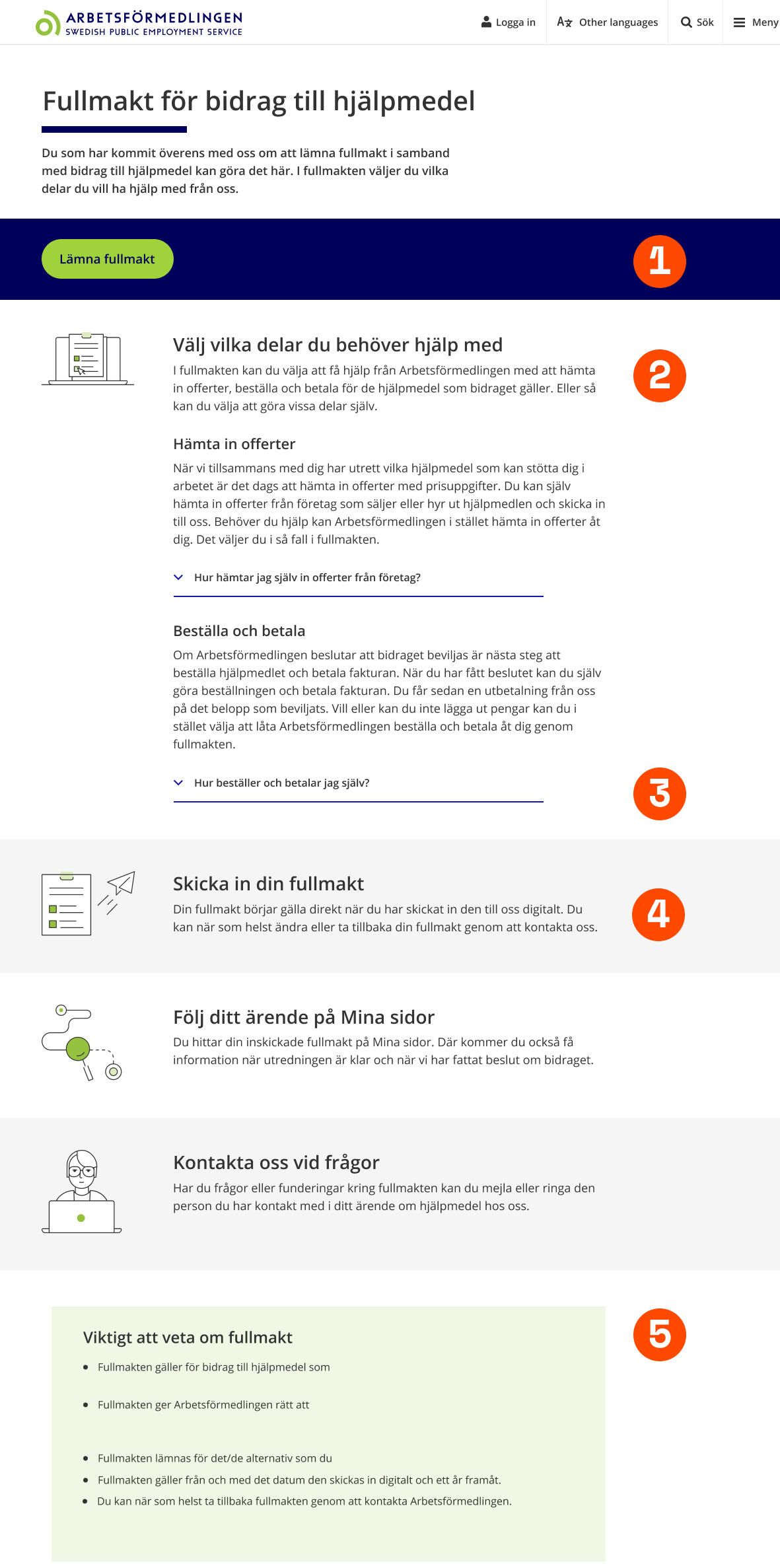
- A path to complete the power of attorney form is clearly highlighted for users who can complete the task without assistance
- The options available for the customer are clearly defined above the fold
- Expandable content areas are added to give users the flexibility to choose how much detail they wish to read without adding to the cognitive load
- Infographics are added to aid users’ comprehension of the process they are in and this task’s value
- Legal requirements are included to ensure that this product meets the organization’s standards
Results
Six weeks after the launch of the product I sent a short questionnaire to case workers from the initial reference group. Questions included; how satisfied they were with the product, how it affected their ways of working and potential areas for improvement. In addition to some some areas of improvement, the overarching repsonse from both case workers and customers was that the product both saved administration time and reduced the lead time to complete the case.
“This product saves a lot of time to be able to send a digital power of attorney. It’s better when I’m out on a workplace visit, then I don’t have to leave the power of attorney behind and wait for it to arrive in the mail.”
-Case Worker, Arbetsförmedlingen
I ran a follow-up workshop with the team once we had collected the feedback to see how we could further improve the product.
Learnings
The project was clearly scoped, and we had the mandate and resources to deliver. A previous project provided many great insights that we uncovered in the discovery phase, which reduced the time and resources required to kick-start this product development. The cognitive review was a great asset in uncovering potential issues before launch.
As always, involving legal as early as possible helps reduce friction in the project. They required us to add a date picker quite late in the process, which added unnecessary lead time to the delivery.
We put time into following up on the project six weeks after launching, giving us great insights for iterating the product.
More projects
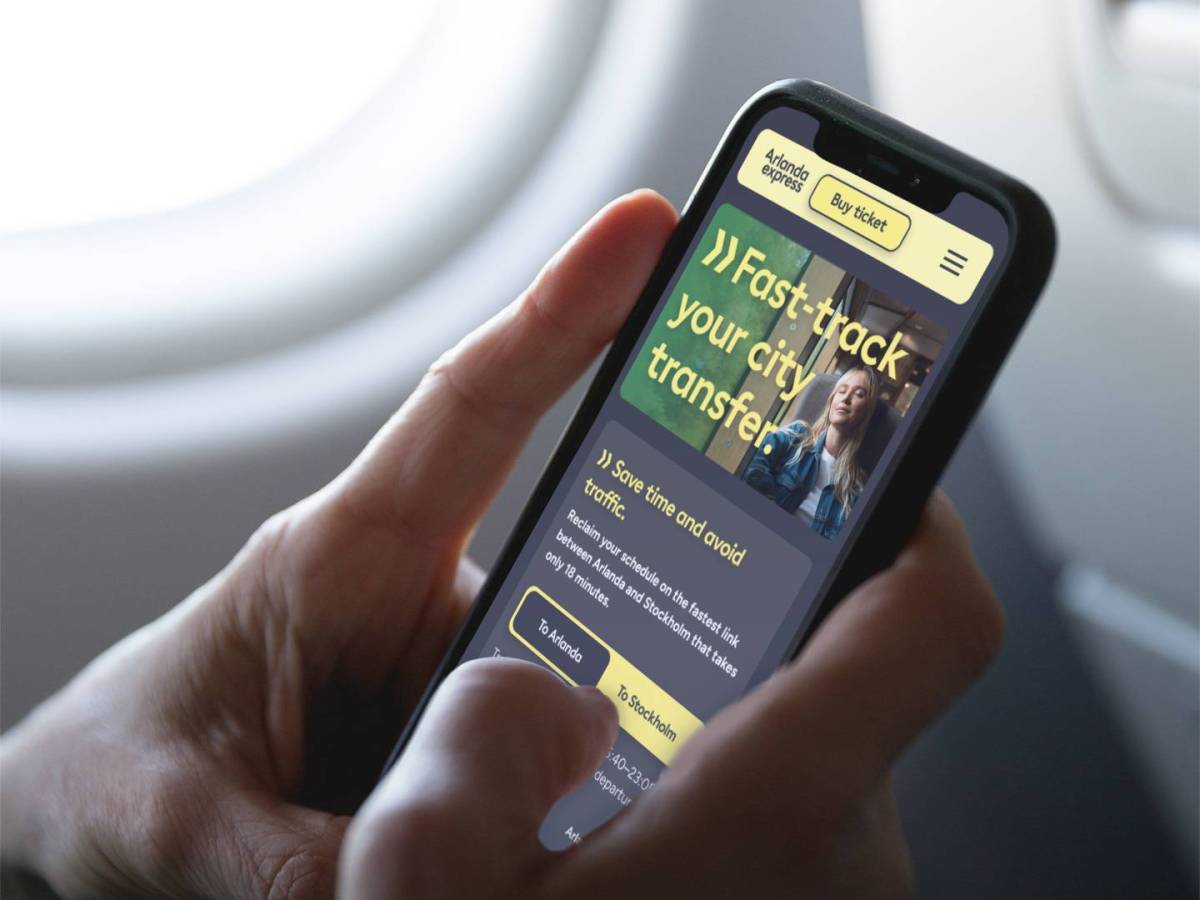
Capturing market share with data driven storytelling
I led the UX/UI design of key Arlanda express webpages to shift the conversation from price to value and convenience, thereby increasing conversion during key…

From filter frustration to concierge car buying
I led the concept development for an intuitive, personalized natural language car search tool that caters to the complexity of human nature and delivers highly…
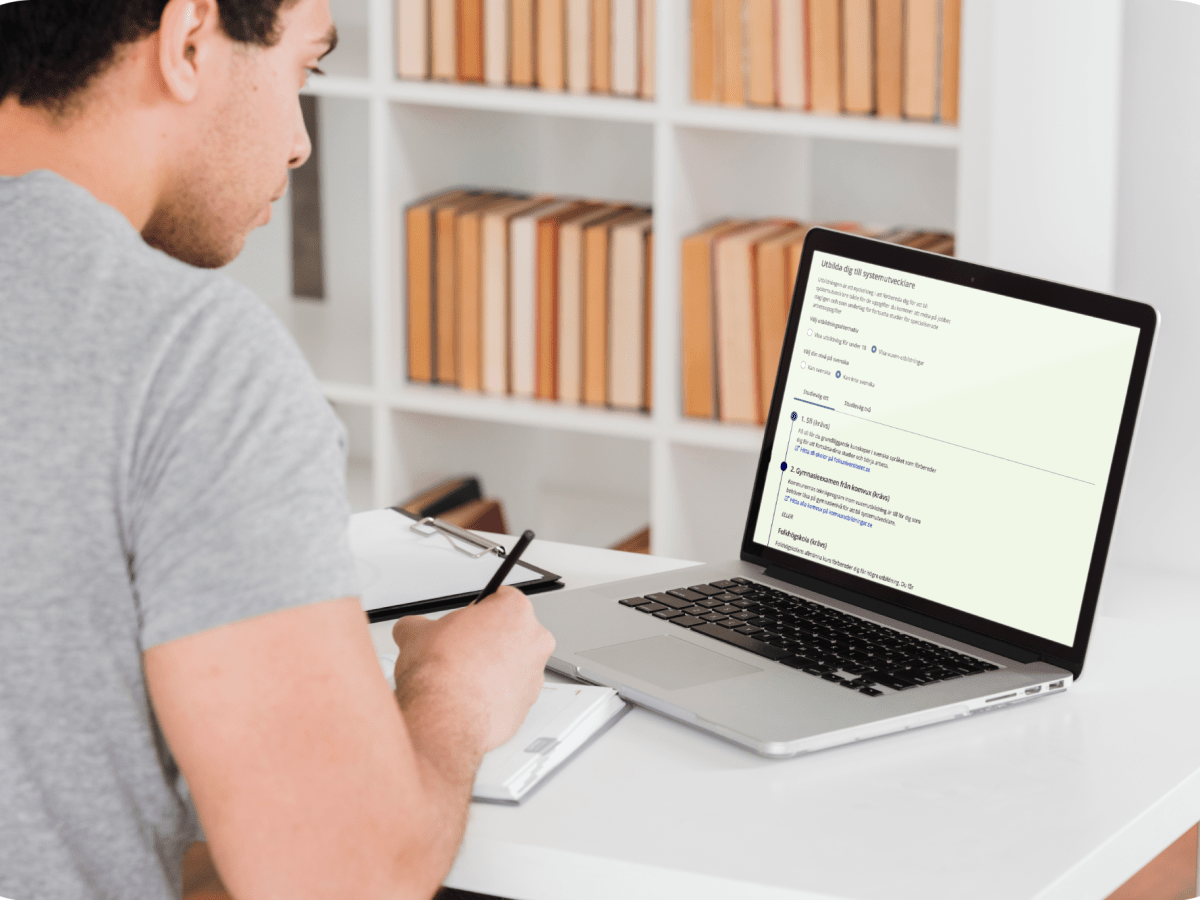
Optimizing enrollment through strategic user flows
I drove the growth of jobseekers converting to suitable training opportunities on Arbetsförmedlingen’s website by creating an MVP of customizable educational paths. Before this development,…
 Fintan Collier